
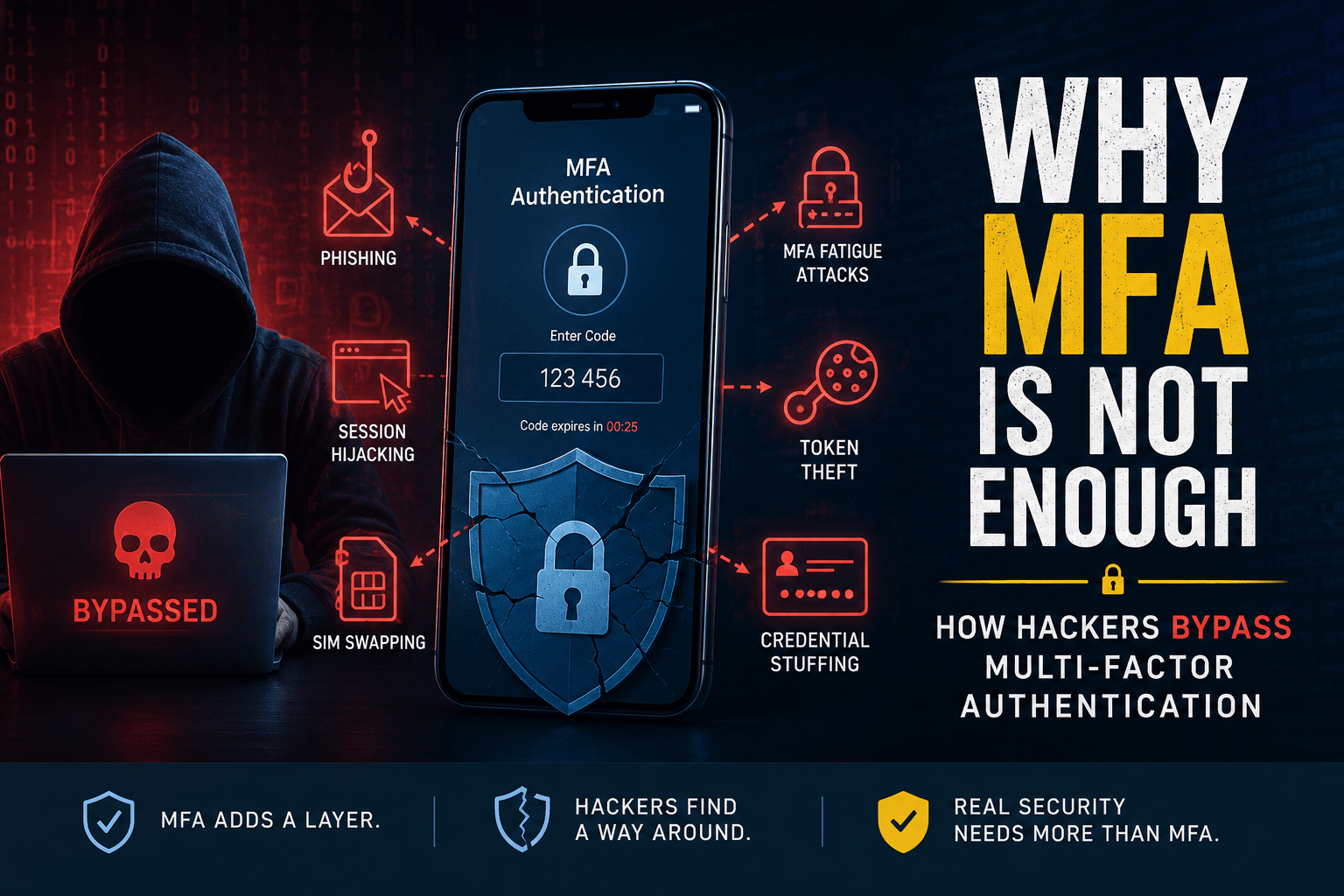
Multi-factor authentication (MFA) is one of the most effective ways to protect online accounts. It adds another verification step beyond a password, making stolen credentials much less useful to attackers.
But MFA is not a magic shield.
Cybercriminals have developed ways to get around certain MFA’s implementations by targeting the people, devices, sessions, and recovery processes surrounding authentication. This does not mean businesses should stop using MFA’s. Quite the opposite: MFA should be enabled everywhere possible, but organizations also need stronger authentication methods and additional security controls.
Understanding how attackers bypass MFA is the first step toward building better protection.
What Is Multi-Factor Authentication?
MFA requires users to provide two or more types of evidence before accessing an account.
These factors generally fall into three categories:
- Something you know: a password or PIN
- Something you have: a phone, security key, or authentication device
- Something you are: a fingerprint, face scan, or other biometric
For example, logging into an account with a password and an authenticator app code uses two different authentication factors.
MFA dramatically reduces the risk of password-based attacks. However, some MFA methods can still be targeted through social engineering, session theft, or weaknesses in account recovery.
Why MFA Is Not Enough by Itself
The biggest misconception about MFA’s is that once it is enabled, an account is completely protected.
In reality, MFA protects the authentication step. Attackers may instead target everything around that step.
For example, an attacker might trick a user into approving a fraudulent login request, steal an authenticated browser session, or convince a support employee to reset an account.
The goal is not always to “break” MFA cryptographically. Sometimes attackers simply find another way around it.
How Hackers Bypass MFA
1. MFA Fatigue Attacks
MFA fatigue, sometimes called MFA’s bombing, involves repeatedly sending authentication requests to a target’s phone or device.
The attacker may already have the victim’s username and password. They then generate repeated MFA prompts until the user becomes frustrated and accidentally approves one.
Attackers may also contact the victim while pretending to be IT support and claim that the approval request is necessary to fix an account problem.
How to defend against it:
- Never approve an unexpected MFA request.
- Report repeated authentication prompts to IT or security teams.
- Use number matching where supported.
- Prefer phishing-resistant authentication methods.
2. Phishing and Fake Login Pages
Modern phishing attacks can be designed to capture more than a username and password.
An attacker may create a convincing fake login page and use it to trick a victim into entering credentials and completing an MFA challenge. Some phishing techniques can relay authentication information to the legitimate service in real time.
This is why simply having MFA enabled does not automatically make phishing harmless.
How to defend against it:
- Verify the website address before signing in.
- Avoid authentication links from unexpected messages.
- Use phishing-resistant authentication such as FIDO2 security keys or passkeys where available.
- Train employees to recognize sophisticated phishing attempts.
3. Stolen Session Cookies
Authentication doesn’t always require repeatedly entering a password and MFA’s code.
After successful authentication, a website may create a session that keeps the user signed in. If an attacker obtains a valid session cookie, they may be able to access the account without repeating the original authentication process.
This is why endpoint security, browser security, session management, and monitoring are important parts of MFA protection.
How to defend against it:
- Keep browsers and operating systems updated.
- Protect devices with endpoint security.
- Monitor suspicious session activity.
- Use conditional access policies where available.
- Revoke active sessions when compromise is suspected.
4. Social Engineering
Sometimes attackers target people rather than technology.
An attacker may impersonate an employee, manager, customer, or IT administrator and attempt to convince someone to reveal information or approve an unusual request.
Account recovery procedures can also become a target if support staff do not properly verify identity.
How to defend against it:
Organizations should establish strict identity verification procedures for password resets, MFA resets, and account recovery.
Employees should also know that urgency does not make an unusual request legitimate.
5. SIM Swapping
SMS-based MFA’s is better than having no MFA, but it has weaknesses.
In a SIM-swapping attack, criminals attempt to convince a mobile carrier to transfer a victim’s phone number to a SIM card they control. If successful, SMS-based verification codes may be redirected to the attacker.
How to defend against it:
Where possible, replace SMS-based MFA’s with an authenticator app, passkey, or hardware security key.
Phishing-Resistant MFA Is the Next Step
Not all MFA’s methods provide the same level of protection.
Security keys and passkeys based on modern standards such as FIDO2/WebAuthn are designed to resist phishing because authentication is cryptographically tied to the legitimate website.
For organizations handling sensitive information, moving beyond basic SMS codes toward phishing-resistant MFA can significantly strengthen account security.
MFA Should Be Part of a Larger Security Strategy
MFA is important, but it should not operate alone.
A strong identity security strategy should combine MFA with:
- Least-privilege access
- Strong password policies
- Conditional access
- Device security
- Endpoint protection
- Session monitoring
- Employee security training
- Regular access reviews
- Backup and recovery procedures
- Security logging and alerting
This layered approach ensures that even if one security control fails, other defenses can limit the attacker’s access.
What Businesses Should Do Now
Organizations can improve MFA security without completely redesigning their infrastructure.
Start with these steps:
- Enable MFA everywhere possible.
- Remove or reduce reliance on SMS authentication.
- Adopt phishing-resistant MFA’s for high-value accounts.
- Enable number matching for push-based authentication where supported.
- Monitor repeated or unusual authentication attempts.
- Secure account recovery and MFA’s reset procedures.
- Train employees to reject unexpected MFA’s requests.
- Review privileged accounts regularly.
- Use conditional access to evaluate users, devices, and locations.
- Revoke sessions quickly when compromise is suspected.
Frequently Asked Questions
Can hackers bypass MFA?
Yes. Attackers can sometimes bypass or work around certain MFA’s implementations through phishing, MFA’s fatigue attacks, session theft, social engineering, SIM swapping, or weaknesses in account recovery.
Does MFA still protect against hackers?
Absolutely. MFA remains one of the most effective account security controls available. The important point is that MFA should be combined with other security measures rather than treated as complete protection.
Which MFA’s method is the safest?
Phishing-resistant methods such as passkeys and FIDO2 security keys generally provide stronger protection against modern phishing attacks than SMS-based authentication.
Is SMS MFA secure?
SMS MFA’s is better than password-only authentication, but it is more vulnerable to attacks such as SIM swapping. When possible, organizations should use authenticator apps or phishing-resistant authentication methods.
What should businesses do if an MFA attack is suspected?
Immediately revoke active sessions, reset compromised credentials, investigate authentication logs, verify account recovery settings, and determine whether other accounts or systems were affected.
Conclusion
MFA’s has changed the security landscape by making stolen passwords much less valuable to attackers. However, cybercriminals have adapted by targeting authentication requests, users, sessions, devices, and recovery processes.
The answer is not to abandon MFA. It is to use better MFA and layered security.
Businesses should prioritize phishing-resistant authentication, secure their endpoints, monitor account activity, train employees, and regularly review access controls. MFA is an important lock on the door—but modern cybersecurity requires securing the windows, keys, and everything else around it too.
Internal Links
- How vulnerabilities can be identified before deployment
- Why smaller organizations are increasingly targeted by ransomware
- Essential concepts for software engineering interviews
- How AI is transforming modern education
- Evidence-based techniques for stronger memory retention
- Study techniques that improve long-term recall
Outbound Links
- https://www.nist.gov/itl/smallbusinesscyber/guidance-topic/multi-factor-authentication
- https://www.nist.gov/blogs/cybersecurity-insights/phishing-resistance-protecting-keys-your-kingdom
- https://www.cisa.gov
- https://attack.mitre.org/techniques/T1621/
- https://attack.mitre.org/techniques/T1078/
- https://attack.mitre.org/techniques/T1098/005/
- https://attack.mitre.org/techniques/T1557/
- https://www.cisa.gov/sites/default/files/2024-11/mfa-success-story-usda-fido-implementation-508c.pdf
- https://csrc.nist.gov/glossary/term/phishing_resistance
- https://www.nist.gov/document/sbccmfapdf