
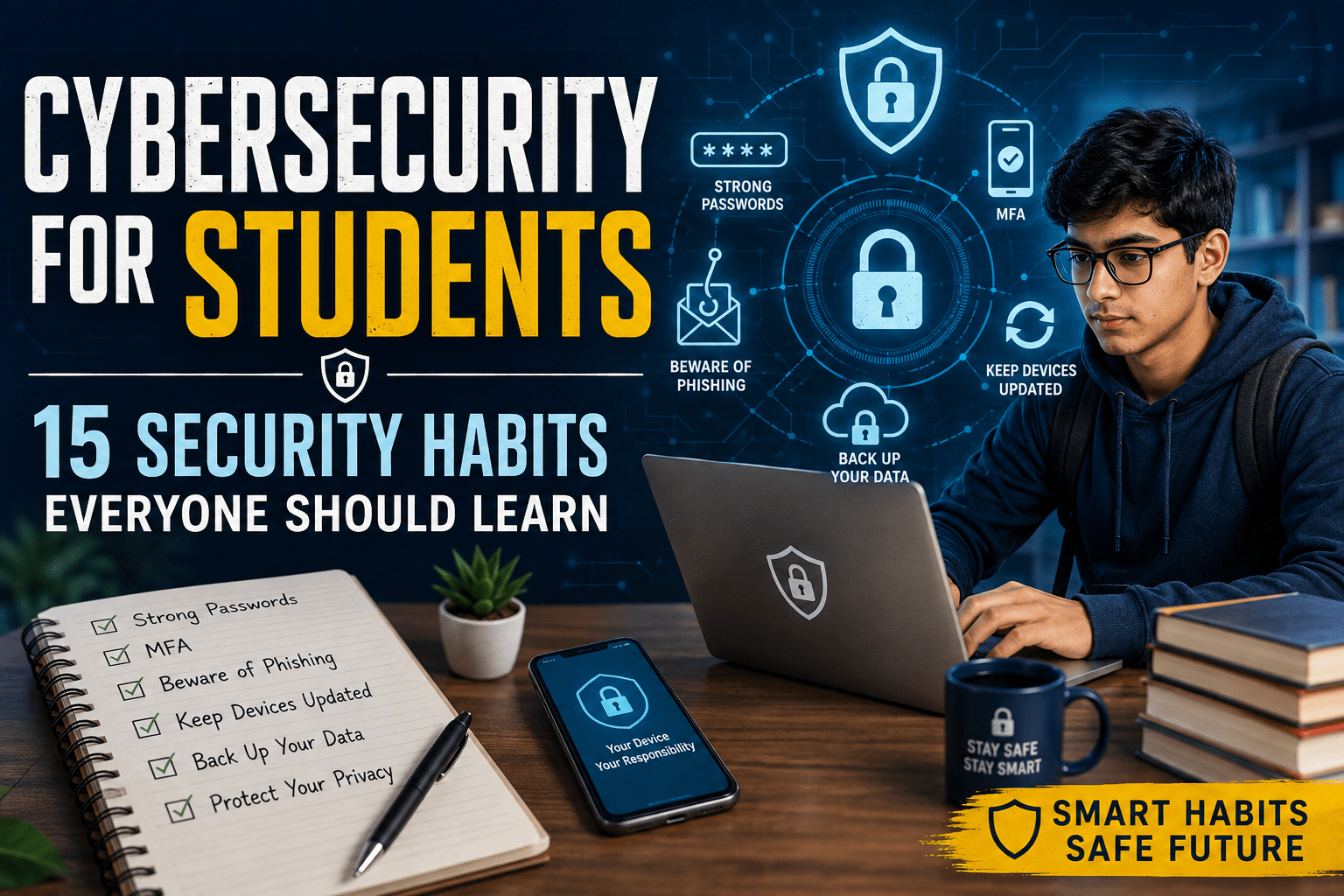
Cybersecurity for students is more important than ever. Students use the internet every day for classes, assignments, exams, banking, social media, cloud storage, and communication. As a result, student accounts and personal information can become targets for cybercriminals.
A weak password or a fake link can put an account at risk. Malware can also damage files or steal private information. The good news is that you do not need advanced technical skills to stay safer online.
Simple habits can make a big difference.
This guide explains 15 cybersecurity habits every student should learn to protect their accounts, devices, personal information, and academic work.
1. Use Strong and Unique Passwords
Passwords are the first line of defense for most online accounts. Avoid using simple passwords based on your name, birthday, phone number, or college name.
A strong password should be:
- Long and difficult to guess
- Different for every important account
- Free from common words and personal details
- Easy for you to manage with a trusted password manager
Using one password for every account is risky. If a website is hacked, attackers may try your stolen password on other websites.
A password manager can create and store strong passwords for you. This makes it easier to use a different password for every account.
2. Turn On Multi-Factor Authentication
A password alone may not be enough to protect an important account. Multi-factor authentication (MFA) adds another step when you sign in.
For example, a service may ask for your password and then request a code from an authentication app.
Turn on MFA for important accounts such as:
- College accounts
- Cloud storage
- Banking services
- Social media
- Developer accounts
This extra step can make it much harder for someone to enter your account with a stolen password.
3. Learn to Spot Phishing
Phishing is a common online scam. An attacker creates a fake message that looks like it came from a trusted person or company.
A student might receive a message that appears to come from a professor, college, bank, or social media service. The message may ask you to click a link, download a file, or enter your password.
Look for warning signs such as:
- Unexpected messages
- Urgent requests
- Strange website links
- Requests for passwords
- Requests for login codes
- Unusual payment requests
- Messages that create fear or pressure
Take a moment before clicking. If a message seems suspicious, contact the sender through another trusted method.
4. Keep Your Devices Updated
Software updates do more than add new features. Many updates fix security problems that attackers could use.
Make sure your laptop, phone, browser, and important apps are updated.
Automatic updates are useful because they reduce the chance of forgetting an important security fix.
Do not keep using an old version of software simply because the current version feels inconvenient. A small update today can prevent a much bigger problem later.
5. Never Reuse Important Passwords
Using the same password on multiple websites creates a serious risk.
Imagine that you use one password for a gaming website and your college email. If the gaming website suffers a data breach, attackers could try that password on your college account.
This type of attack is called credential stuffing.
Your main email account deserves extra protection. It may be connected to many other services and can often be used to reset passwords.
Give your email account a unique password and enable MFA.
6. Be Careful With Public Wi-Fi
Public Wi-Fi is convenient when you are at a college, café, library, airport, or hotel. However, not every network is trustworthy.
Before connecting, check the network name carefully. Some attackers create fake networks with names that look similar to real ones.
Follow these simple habits:
- Turn off automatic connection to unknown networks.
- Use secure websites.
- Keep your device updated.
- Avoid sensitive tasks on suspicious networks.
- Disconnect when you finish using the network.
For banking or other sensitive activities, a trusted network or mobile connection is usually a better choice.
7. Protect Your Smartphone
Your phone may contain your email, photos, messages, social media accounts, payment apps, and login codes. Losing an unlocked phone could therefore expose a lot of personal information.
Use a strong screen lock and enable biometric security when available.
Keep the phone’s operating system and apps updated. Turn on the device-finding feature so you can locate or secure the phone if it is lost.
Only install apps from trusted sources. Pay attention when an app asks for access to your camera, microphone, contacts, files, or location.
8. Download Software From Trusted Sources
Students often download software for coding, assignments, gaming, video editing, and other tasks. Some websites, however, offer unsafe files.
Avoid cracked or pirated software. Unknown downloads may contain malware that can steal passwords, damage files, or monitor activity.
Use official app stores and trusted developer websites whenever possible.
Before installing a program, ask yourself:
Do I know where this file came from?
If the answer is no, do not install it.
9. Think Before Sharing Personal Information
Personal information can help attackers create convincing scams.
A public social media profile may reveal your college, location, birthday, phone number, friends, or daily activities. Attackers can combine these details to make their messages appear more believable.
Avoid sharing sensitive information unless there is a good reason.
Before posting something online, ask:
Could this information help someone target me?
Review your privacy settings from time to time. Remove information that does not need to be public.
10. Back Up Important Files
Losing academic work can be stressful, especially before an exam or project deadline.
Files can disappear because of accidental deletion, hardware failure, malware, theft, or ransomware. A backup gives you another copy when something goes wrong.
Keep copies of important:
- Assignments
- Projects
- Notes
- Certificates
- Documents
- Photos
Cloud storage can be useful for everyday files. An external storage device can provide another backup.
Important work should never exist in only one place.
11. Check a Website Before Entering Your Password
Fake websites can look almost identical to real ones.
Before entering a password, check the website address carefully. Look for strange spellings, extra words, or an unfamiliar domain.
HTTPS is also important because it helps protect information while it travels between your browser and the website. However, HTTPS does not prove that a website is genuine. A fake website can also use HTTPS.
When in doubt, do not use the link you received in a message. Open your browser and type the official website address yourself.
12. Be Careful With Browser Extensions
Browser extensions can be useful for students. They can help with writing, research, productivity, accessibility, and development.
However, some extensions may request access to websites or browsing data.
Before installing one, check:
- Who made the extension?
- What permissions does it need?
- Is it still receiving updates?
- Does it have a clear purpose?
- Do you really need it?
Remove extensions that you no longer use.
Keeping your browser simple can reduce unnecessary security risks.
13. Pay Attention to Security Warnings
Security warnings should not be ignored.
Your browser may warn you about an unsafe website. An operating system may warn you about a dangerous file. Security software may detect harmful activity.
Do not automatically click through these warnings.
Stop and read what the warning says. If you do not understand it, look for information from the official software provider or ask someone you trust.
Taking a few seconds to understand a warning can prevent a serious mistake.
14. Understand Social Engineering
Cyberattacks do not always depend on complex technology. Sometimes, attackers simply trick people.
Social engineering means using manipulation to make someone reveal information or perform an action.
An attacker could pretend to be:
- A professor
- A college employee
- Technical support
- A friend
- A company representative
- A delivery service
The attacker may create a sense of urgency. You might be told that your account will be closed unless you act immediately.
Do not let pressure make the decision for you.
Verify unexpected requests through a trusted phone number, official website, or another communication channel.
Most importantly, never give your password or login code to someone simply because they ask for it.
15. Know What to Do If Your Account Is Hacked
Even careful users can become victims of cybercrime. Knowing what to do next is just as important as preventing an attack.
If you think someone has accessed your account, act quickly.
Start by changing the password from a trusted device. If you used the same password anywhere else, change those passwords too.
Next, check recent login activity. Sign out of devices or sessions that you do not recognize.
Then:
- Enable MFA if it is not already active.
- Check your recovery email and phone number.
- Review recent account activity.
- Remove unknown devices.
- Contact the service provider if needed.
- Tell your college IT team if a school account is affected.
- Watch your other accounts for unusual activity.
Fast action can limit the damage.
A Simple Cybersecurity Routine for Students
Cybersecurity does not have to feel difficult. Small actions can become part of your normal routine.
Every day, pause before opening unexpected links or files.
Every week, check important accounts for unusual activity.
Every month, remove apps, extensions, and accounts that you no longer use.
Regularly, update your devices, check your backups, and review the security settings on important accounts.
The goal is not to become a cybersecurity expert overnight. Instead, build habits that become automatic.
Why Cybersecurity Matters for Students
Students depend on digital services for much of their daily life. A single account may provide access to email, assignments, cloud files, photographs, social media, and other private information.
A hacked account could expose:
- Academic work
- Personal information
- Private messages
- Cloud files
- Financial details
- Social media accounts
- Login information
Cybersecurity knowledge can also help students prepare for future careers. Almost every industry now depends on digital systems.
You do not have to study cybersecurity to benefit from basic security knowledge. Understanding passwords, phishing, privacy, backups, and safe browsing can help protect you in both education and the workplace.
Cybersecurity Is a Daily Habit
Good cybersecurity is not about being afraid of the internet. It is about using technology carefully.
Strong passwords protect accounts. MFA adds another layer of security. Updates fix known problems. Backups protect important files. Careful browsing can help you avoid scams.
Most importantly, develop the habit of stopping before you trust something online.
Pause. Check. Think before you click.
The security habits you build as a student can protect your digital identity and personal information for years to come.