
In today’s fast-paced digital world, staying productive isn’t just about working harder—it’s about working smarter. One of the most effective ways to do that is by using time tracking tools. Whether you’re a student, freelancer, or working professional, these tools help you understand where your time goes and how to use it better.
What Are Time Tracking Tools?
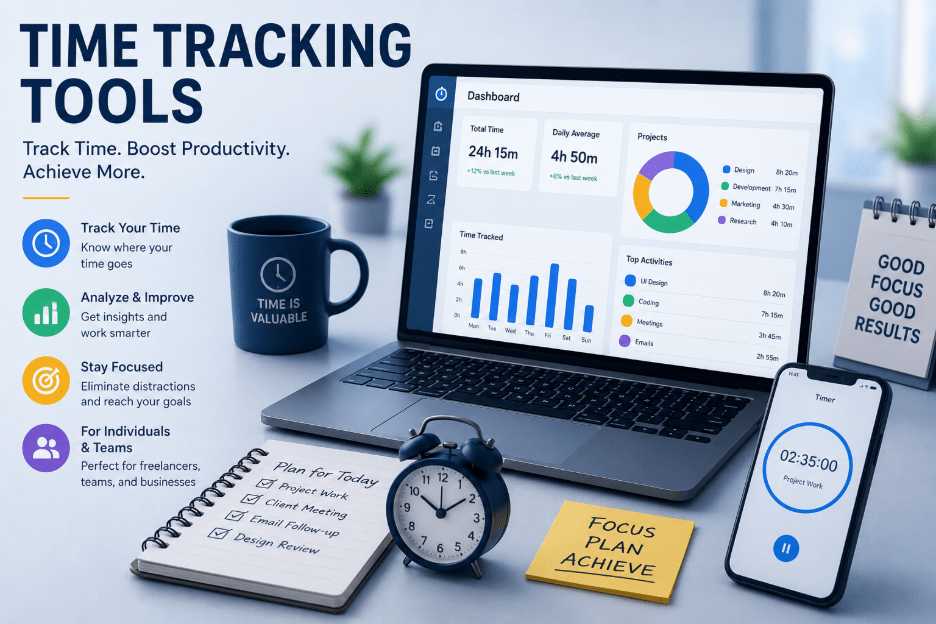
Time tracking tools are applications or software that monitor how much time you spend on tasks, projects, or activities. They give you insights into your daily habits, helping you identify time-wasting activities and improve efficiency.
Why Time Tracking Matters
Before diving into tools, let’s understand why tracking time is so powerful:
- Improves productivity by identifying distractions
- Enhances focus on important tasks
- Helps in goal setting and planning
- Useful for billing and invoicing (especially for freelancers)
- Reduces procrastination
Popular Time Tracking Tools
1. Toggl Track
Toggl Track is one of the most user-friendly time tracking tools available.
Key Features:
- One-click time tracking
- Detailed reports and insights
- Works across devices (mobile, desktop, browser)
- Integrates with tools like Trello and Asana
Best for: Freelancers and teams who want simplicity with powerful reporting.
2. Clockify
Clockify is a free time tracking tool with unlimited users.
Key Features:
- Completely free core features
- Timesheets and calendar view
- Team tracking and project management
- Detailed analytics
Best for: Small teams and startups on a budget.
3. RescueTime
RescueTime automatically tracks time spent on apps and websites.
Key Features:
- Automatic tracking (no manual input)
- Focus sessions to block distractions
- Productivity scoring
- Weekly reports
Best for: Individuals who want to analyze habits and reduce distractions.
4. Harvest
Harvest combines time tracking with invoicing.
Key Features:
- Time tracking + expense tracking
- Invoice generation
- Integration with project tools
- Visual reports
Best for: Freelancers and agencies managing billing.
Tips to Use Time Tracking Effectively
- Start small: Track just a few tasks initially
- Be consistent: Make it a daily habit
- Analyze weekly reports: Look for patterns
- Set time limits: Avoid overworking
- Combine with goals: Align tracking with your objectives
Pros and Cons
Pros:
- Better time awareness
- Increased productivity
- Data-driven decisions
Cons:
- Can feel restrictive if overused
- Requires discipline
- Initial setup time
Final Thoughts
Time tracking tools are not about controlling your day—they’re about understanding it. Once you know how you spend your time, you can make smarter decisions, eliminate inefficiencies, and focus on what truly matters.
If you’re serious about productivity, start using a time tracking tool today—you might be surprised by what you discover.