
In today’s fast-paced digital world, students are constantly juggling assignments, exams, projects, and sometimes even part-time jobs. Staying organized and productive is no longer optional—it’s essential. Thankfully, a wide range of productivity tools can help students manage their time, stay focused, and achieve better results.
Let’s explore some of the best productivity tools every student should consider.
📚 1. Note-Taking Tools
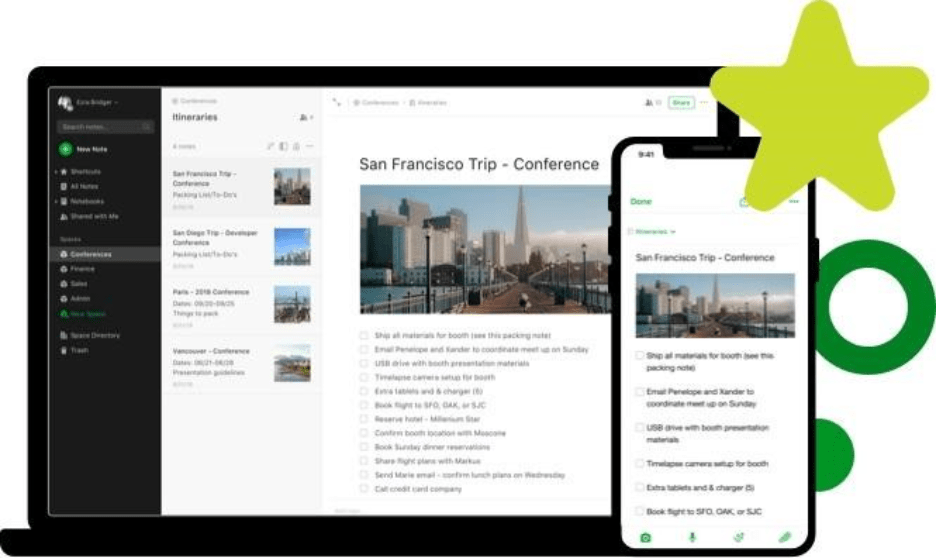
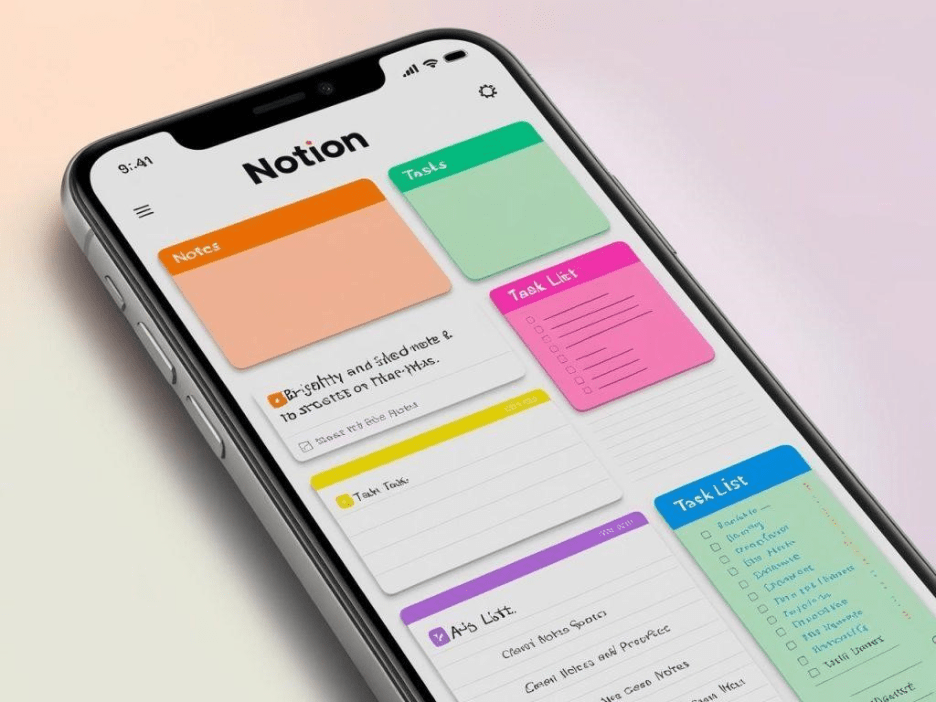
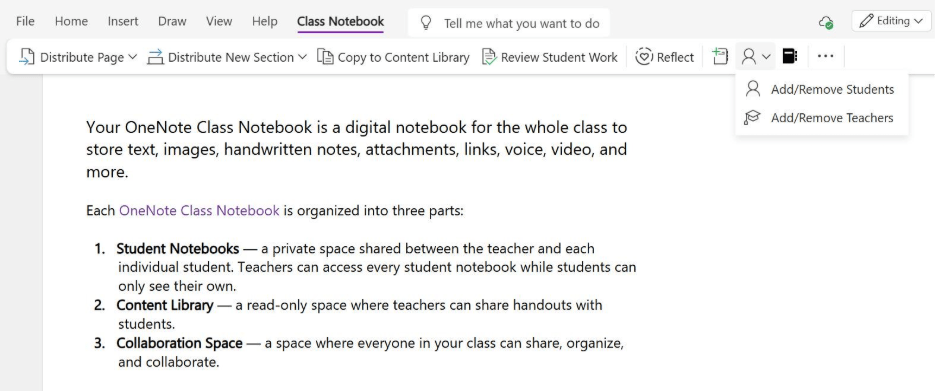
Taking effective notes is the foundation of good learning. Digital note-taking apps allow students to organize information neatly and access it anytime.
- Notion – All-in-one workspace for notes, tasks, and databases
- Evernote – Great for organizing ideas and syncing across devices
- Microsoft OneNote – Perfect for structured notebooks and class notes
💡 Tip: Use folders, tags, and headings to keep your notes organized.
⏰ 2. Time Management Tools
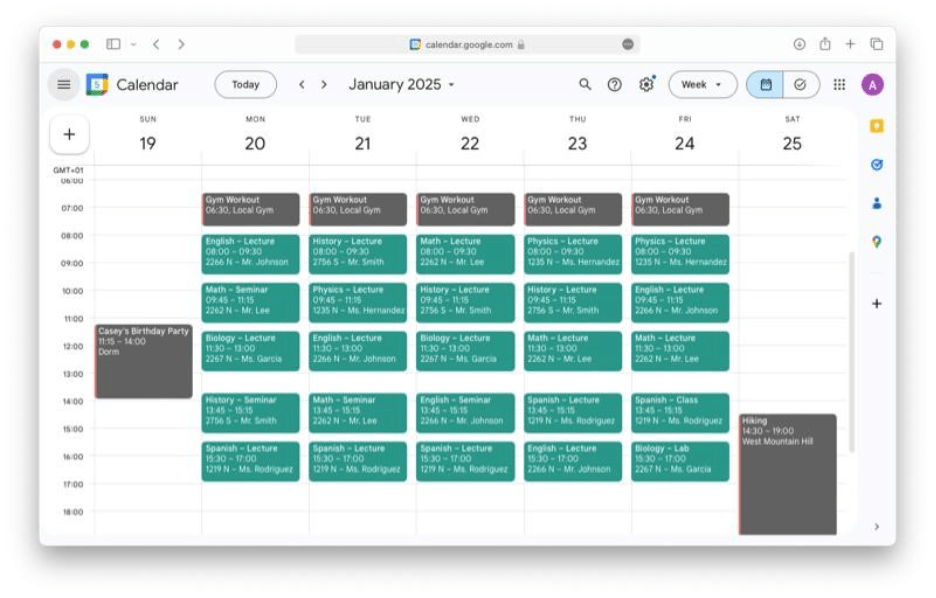

Managing time effectively can make a huge difference in academic performance.
- Google Calendar – Plan classes, deadlines, and study sessions
- Todoist – Track tasks and set priorities
- Forest – Stay focused using the Pomodoro technique
💡 Tip: Break your study sessions into smaller chunks to avoid burnout.
🧠 3. Focus & Distraction-Blocking Tools
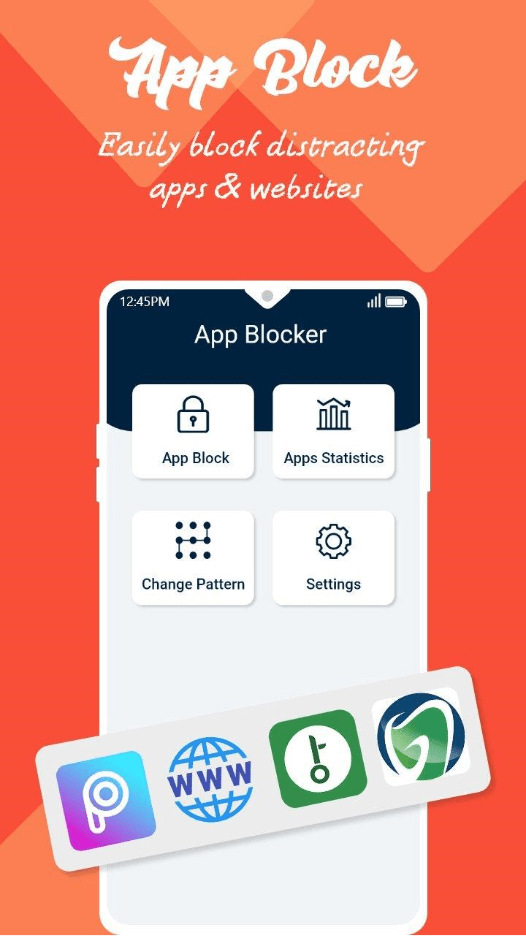
Distractions are one of the biggest productivity killers for students.
- Freedom – Blocks distracting websites and apps
- Cold Turkey – Powerful tool to enforce focus sessions
- Stay Focused – Limits screen time and distractions
💡 Tip: Turn off notifications while studying to maintain deep focus.
📁 4. File Management & Cloud Storage
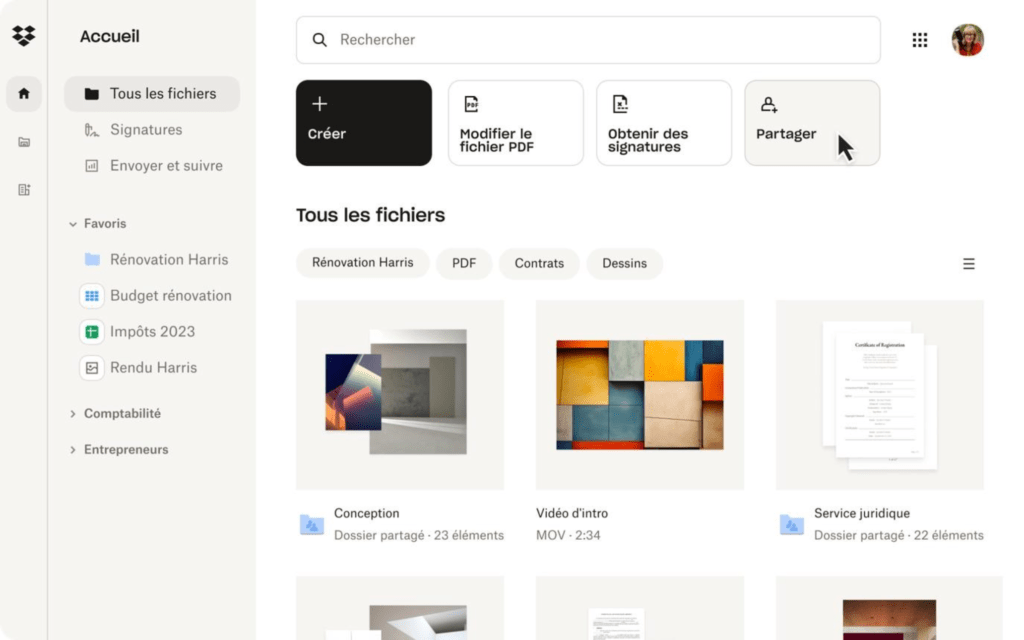

Keeping your files safe and accessible is crucial.
- Google Drive – Store and share files easily
- Dropbox – Reliable file backup and sharing
- Microsoft OneDrive – Great for integration with Microsoft tools
💡 Tip: Organize files into folders by subject or semester.
🤝 5. Collaboration Tools
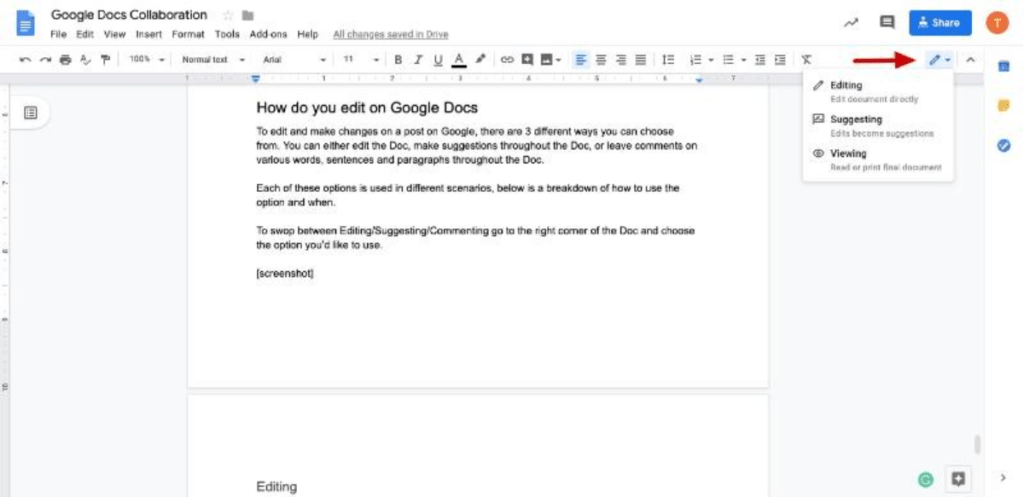
Group projects and teamwork become easier with collaboration tools.
- Google Docs – Real-time editing and sharing
- Zoom – Attend online classes and meetings
- Microsoft Teams – Chat, meet, and share files
💡 Tip: Assign roles in group projects to improve efficiency.
📖 6. Study & Learning Tools
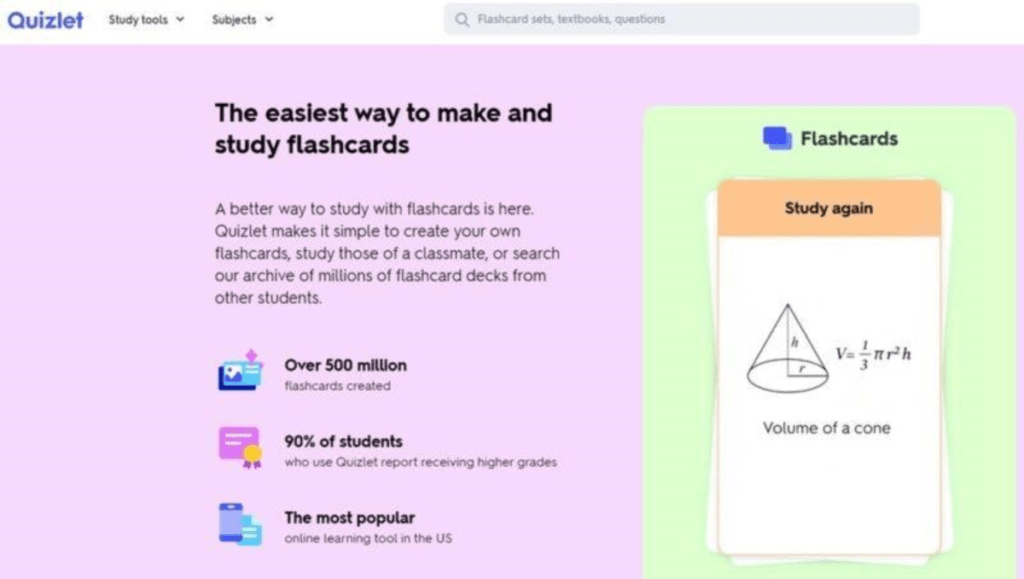
These tools help enhance understanding and retention.
- Quizlet – Flashcards and quizzes for active learning
- Duolingo – Learn languages in a fun way
- Khan Academy – Free courses on various subjects
💡 Tip: Use active recall and spaced repetition for better memory.
🎯 Final Thoughts
Productivity tools are not magic solutions—but when used correctly, they can significantly improve your efficiency and academic performance. The key is to find tools that match your study style and stick to them consistently.
Remember:
👉 Focus on progress, not perfection
👉 Build a routine
👉 Stay consistent
With the right tools and habits, you can turn your study time into highly productive sessions and achieve your academic goals with confidence.