
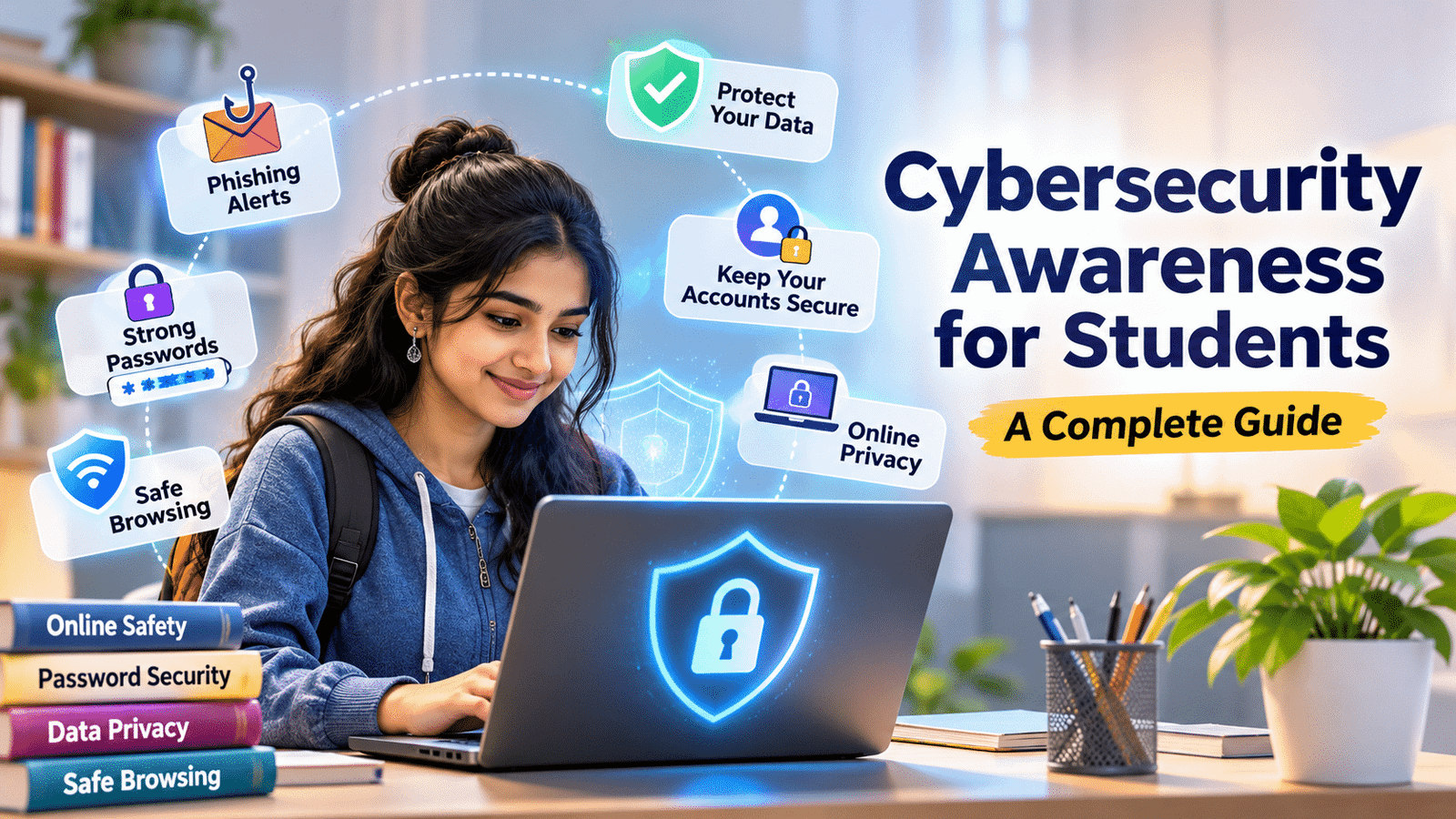
Cybersecurity Awareness for Students: A Complete Guide
Cybersecurity awareness for students is essential in today’s digital world. It helps learners protect their personal information, secure online accounts, recognize cyber threats, and use digital platforms safely. Understanding basic cybersecurity practices prepares students to make responsible decisions while browsing the internet, using social media, and accessing online learning platforms.
Cybersecurity awareness for students is important because it helps learners understand online threats, protect personal information, secure their accounts, and use digital platforms responsibly.
A suspicious email, an unknown download, a weak password, or an unsafe website can expose personal information to cybercriminals. Understanding basic cybersecurity practices can help students recognize these risks and make safer decisions online.
In this article, we will explore common cyber threats, password protection, phishing prevention, digital privacy, and practical ways students can develop safe online habits.
1. Why Cybersecurity Awareness for Students Matters
Cybersecurity awareness helps students understand how to protect their devices, accounts, and personal information while using digital platforms.
Students regularly share information through social media, educational applications, websites, and online communication tools. Sometimes, they may unknowingly share sensitive details or interact with suspicious links.
For example, a student might receive an email claiming to offer a free scholarship. The message may ask them to click a link and enter personal information. Without checking whether the message is genuine, the student could expose important details to an unknown source.
Understanding cybersecurity helps students recognize suspicious activities before taking action.
It also encourages responsible technology use. Students who understand online security are more likely to protect their accounts, verify information, use secure websites, and report suspicious activities.
Developing these habits early can support safer digital experiences throughout education and professional life.
2. What Is Cybersecurity Awareness for Students?
Cybersecurity refers to the practices and technologies used to protect computers, networks, applications, and information from unauthorized access, attacks, damage, or theft.
It focuses on keeping digital information safe and ensuring that people can use technology securely.
Students should understand a few basic cybersecurity concepts:
- Data protection: Keeping personal and sensitive information safe.
- Password security: Using strong and unique passwords to protect accounts.
- Network security: Connecting to trusted networks and protecting internet connections.
- Online privacy: Controlling what personal information is shared online.
- Device security: Keeping smartphones, computers, and applications protected.
- Threat awareness: Recognizing suspicious messages, websites, downloads, and activities.
Cybersecurity is not limited to technology professionals. Anyone who uses the internet can benefit from understanding basic security practices.
3. Common Online Threats Students Should Know
Students may encounter different online threats while browsing websites, using social media, downloading applications, or communicating through email.
Understanding common threats can help them avoid risky situations.
Phishing Attacks
Phishing happens when someone uses fake emails, messages, or websites to trick people into sharing passwords, banking information, or other sensitive details.
For example, a student may receive a message pretending to come from a college asking them to verify their account through an unfamiliar link.
Students should verify the sender and website before providing information.
Malware
Malware is harmful software designed to damage devices, collect information, or gain unauthorized access.
It may enter a device through suspicious downloads, unsafe attachments, or compromised websites.
Students should download software only from trusted sources and avoid unknown files.
Identity Theft
Identity theft occurs when someone uses another person’s personal information without permission.
Information such as names, phone numbers, identification details, and account credentials may be misused if exposed.
Students should avoid sharing unnecessary personal information online.
Fake Websites
Some websites imitate genuine services to collect personal or financial information.
Before entering sensitive details, students should carefully check the website address and confirm that they are using the official platform.
Social Media Scams
Fake giveaways, impersonation accounts, suspicious investment offers, and fraudulent job opportunities can appear on social media.
Students should verify accounts and offers instead of trusting every message or advertisement.
Understanding these threats helps students become more careful when interacting with digital platforms.
4. How to Create Strong and Secure Passwords
Passwords are one of the first security measures protecting online accounts. Weak or repeated passwords can make accounts easier to compromise.
Students should create strong, unique passwords for important accounts such as email, social media, educational platforms, and banking applications.
Here are some useful password practices:
Use long passwords: Choose passwords that are difficult to guess. Longer passphrases made from unrelated words can be easier to remember while remaining strong.
Avoid personal information: Do not use easily available details such as birthdays, names, or phone numbers.
Use different passwords: Avoid using the same password across multiple accounts.
Consider a password manager: A reputable password manager can help generate and store unique passwords securely.
Change exposed passwords: If an account may have been compromised, change its password immediately and review account activity.
Protect your passwords: Never share passwords through messages, emails, or phone calls.
Students should also secure their primary email accounts because email is often used to reset passwords for other online services.
5. Why Students Should Recognize Phishing Attacks
Phishing is one of the common ways cybercriminals attempt to collect sensitive information.
These attacks may appear as emails, text messages, social media messages, or fake websites that look similar to genuine services.
Students should watch for warning signs such as:
- Messages asking for passwords or OTPs.
- Unexpected attachments or unfamiliar links.
- Urgent warnings demanding immediate action.
- Offers that appear too good to be true.
- Incorrect website addresses.
- Unexpected requests for payment or personal information.
For example, a student may receive a message claiming that their college account will be blocked unless they verify their details immediately.
Instead of clicking the link, the student should visit the college’s official website directly or contact the institution through a verified communication channel.
Students should remember that genuine organizations generally do not ask users to disclose confidential passwords or OTPs through suspicious messages.
When in doubt, do not click, download, or respond. Verify the request independently.
6. How to Protect Personal Information Online
Personal information includes details that can identify or reveal information about an individual. This may include names, addresses, phone numbers, email addresses, photographs, educational details, and account information.
Students often share personal information while creating online profiles, joining educational platforms, and using social media.
To protect personal information, students should:
- Share only the information necessary for a particular service.
- Avoid posting private contact details publicly.
- Review privacy settings regularly.
- Use strong passwords and additional account protection.
- Avoid sharing confidential documents with unknown people.
- Check application permissions before granting access.
- Be careful when sharing photographs, location details, or travel plans.
- Remove personal information from public profiles when it is unnecessary.
Students should also think carefully before uploading documents or personal details to unfamiliar websites.
Protecting personal information helps reduce privacy risks and makes online activities safer.
7. Safe Browsing and Social Media Practices
Safe browsing means using the internet carefully and avoiding websites, downloads, and online activities that may create security or privacy risks.
Students can develop safer browsing habits by following a few simple practices.
Visit Trusted Websites
Use official websites whenever possible, particularly for educational services, banking, and account management.
Check Website Addresses
Look carefully for misspelled domain names or unusual website addresses before entering personal information.
Avoid Suspicious Downloads
Do not download files or applications from unknown sources. Use official application stores and trusted software providers.
Review Social Media Privacy Settings
Check who can view your posts, personal information, photographs, and contact details.
Think Before Posting
Information shared publicly may be copied, saved, or viewed by people beyond the intended audience.
Keep Devices Updated
Install operating system, browser, and application updates. Updates often include important security improvements.
Students can also read our guide on digital footprint for students to understand how online activities can affect privacy and professional reputation.
8. The Importance of Two-Factor Authentication
Two-factor authentication, commonly called 2FA, adds an additional security step when someone signs in to an online account.
Instead of relying only on a password, the account may require another verification method.
For example, after entering a password, a student may need to approve a sign-in through an authentication application or use another supported verification method.
This additional layer can help protect an account even if its password becomes known to someone else.
Students should enable two-factor authentication on important accounts whenever the service supports it.
Useful accounts to protect include:
- Primary email accounts.
- Social media accounts.
- Educational platforms.
- Cloud storage services.
- Financial applications.
Where available, an authenticator application or passkey can provide a useful alternative to relying only on SMS verification.
Students should never share verification codes or approve unexpected login requests. If an unfamiliar sign-in request appears, they should deny it and review their account security.
9. Common Cybersecurity Mistakes Students Should Avoid
Even students who use technology regularly may make mistakes that increase their online security risks.
Recognizing these mistakes is an important part of cybersecurity awareness.
Using the Same Password Everywhere
If one account becomes compromised, reused passwords can put other accounts at risk. Use unique passwords for important services.
Clicking Unknown Links
Unexpected links may lead to fake websites or harmful downloads. Verify the sender and destination before opening them.
Using Public Wi-Fi Without Caution
Public networks may not provide the same level of security as trusted private networks. Avoid accessing sensitive accounts on untrusted networks when possible. Use secure connections and follow your institution’s or service provider’s security guidance.
Ignoring Software Updates
Outdated software may contain security weaknesses. Install updates from official sources.
Sharing OTPs and Passwords
Never disclose passwords, PINs, or OTPs to anyone. Treat unexpected requests for verification codes as suspicious.
Granting Unnecessary App Permissions
Some applications request access to contacts, photographs, microphones, or locations without a clear need. Review permissions and deny access that is unnecessary.
Ignoring Suspicious Account Activity
Unexpected login alerts, unfamiliar transactions, or unknown account changes should be investigated immediately.
Avoiding these mistakes can help students maintain better digital security.
10. How to Develop Safe Digital Habits
Cybersecurity is not a one-time activity. Students need to develop regular habits that help them protect their devices and information.
Here are practical ways to improve digital safety:
Review account security: Check important accounts regularly for unfamiliar sign-ins or unexpected changes.
Update devices: Keep applications, browsers, and operating systems updated.
Use secure passwords: Create unique passwords and enable additional authentication where available.
Check privacy settings: Review social media and application permissions periodically.
Verify online information: Confirm suspicious messages, offers, and requests through official channels.
Back up important files: Keep secure backups of academic documents, assignments, and other important information.
Learn about new threats: Stay informed about common online scams and security risks.
Report suspicious activity: Contact the relevant platform, institution, or service provider if you notice suspicious behavior.
These habits do not require advanced technical knowledge. Small and consistent actions can make everyday internet use safer.
11. How Cybersecurity Awareness Supports Students’ Future Careers
Cybersecurity knowledge is useful beyond personal internet safety. Students entering professional environments may handle company documents, customer information, digital communication, and online collaboration tools.
Understanding basic security practices helps individuals behave responsibly when using workplace technology.
For example, an employee who recognizes a suspicious email may avoid opening an unsafe attachment and report it to the appropriate IT team.
Similarly, protecting work accounts, following access rules, and handling confidential information carefully can help maintain organizational security.
Students interested in technology careers may also explore cybersecurity as a professional field. It offers learning opportunities in areas such as network security, information security, risk management, and security operations.
However, basic cybersecurity awareness is valuable for students across all academic backgrounds, not only those pursuing technical careers.
12. Frequently Asked Questions
Why is cybersecurity awareness important for students?
Cybersecurity awareness helps students protect personal information, secure online accounts, identify suspicious activities, and use digital platforms responsibly.
What are common cyber threats students should know?
Common threats include phishing, malware, identity theft, fake websites, social media scams, and unauthorized account access.
How can students protect their online accounts?
Students can use strong and unique passwords, enable two-factor authentication, avoid suspicious links, and review account activity regularly.
What is phishing, and how can students avoid it?
Phishing is an attempt to trick people into sharing sensitive information through fake messages or websites. Students should verify senders, avoid suspicious links, and never share passwords or OTPs.
Is public Wi-Fi safe for students?
Public Wi-Fi can carry security risks, particularly when networks are unsecured or unfamiliar. Students should avoid sensitive activities on untrusted networks and use secure connections.
Why should students enable two-factor authentication?
Two-factor authentication adds another verification step beyond a password, making unauthorized account access more difficult.
How can students learn cybersecurity?
Students can learn through trusted online educational resources, school and college awareness programmes, practical security exercises, and official cybersecurity guidance.
Final Thoughts
Cybersecurity awareness for students is an essential part of responsible digital learning. As students use technology for education, communication, and everyday activities, understanding online threats becomes increasingly important.
Learning to create strong passwords, recognize phishing attempts, protect personal information, and use secure digital platforms can help students avoid common online risks.
Students do not need advanced technical knowledge to begin protecting themselves. They can start with simple actions such as enabling two-factor authentication, checking website addresses, updating devices, and avoiding suspicious messages.
Build safe digital habits today to create a more secure and responsible online future.
Internal Links
Digital Footprint for Students
Communication Skills for Students
Skills Recruiters Look for in Freshers
Outbound Link
Students can explore the Cyber Swachhta Kendra portal for information and tools related to cybersecurity and protecting digital devices.