
Introduction
Have you ever wondered how websites are created? Every website you visit — from blogs to online stores — starts with a simple web page built using HTML and CSS.
If you’re starting your web development journey, building your first web page is the perfect way to learn the basics. In this blog, you’ll learn:
- What HTML and CSS are
- How web pages work
- How to create a simple web page step by step
- Basic structure of a webpage
- Tips for beginners
Let’s get started!
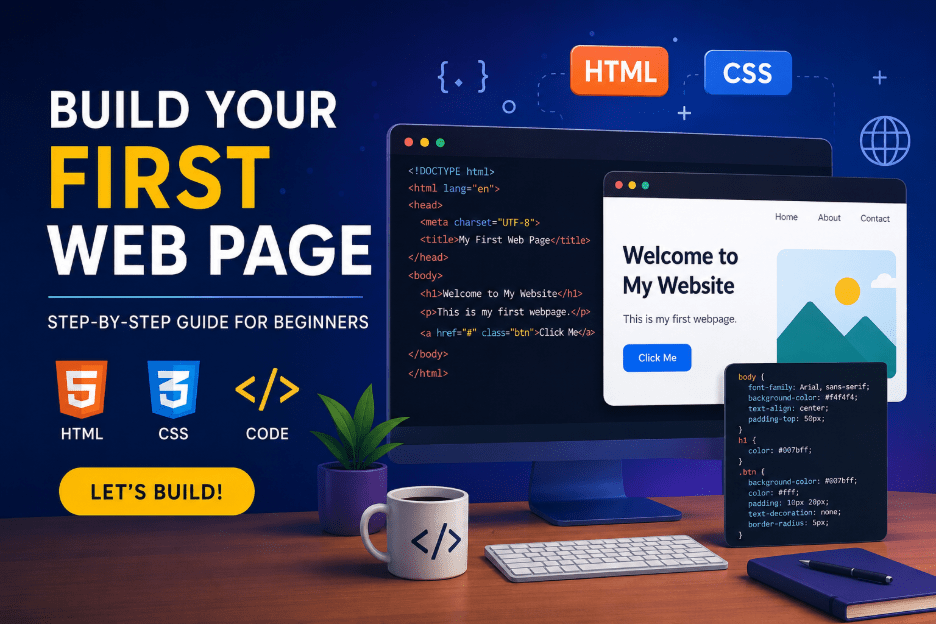
What is HTML?
HTML stands for HyperText Markup Language.
It is used to create the structure of a web page.
HTML defines:
- Headings
- Paragraphs
- Images
- Buttons
- Links
- Lists
- Forms
Think of HTML as the skeleton of a website.
Example:
<h1>Welcome to My Website</h1>
<p>This is my first webpage.</p>
What is CSS?
CSS stands for Cascading Style Sheets.
It is used to style and design web pages.
CSS controls:
- Colors
- Fonts
- Layouts
- Spacing
- Animations
- Responsive design
Think of CSS as the beauty and design of the website.
Example:
h1 {
color: blue;
}
Tools You Need
You only need two things to build your first webpage:
- A text editor
Examples:
- VS Code
- Sublime Text
- Notepad++
- A web browser
Examples:
- Chrome
- Edge
- Firefox
Step 1: Create an HTML File
Create a folder called:
my-first-webpage
Inside it, create a file named:
index.html
Step 2: Add Basic HTML Structure
Copy and paste this code into your index.html file:
<!DOCTYPE html>
<html>
<head>
<title>My First Web Page</title>
</head>
<body>
<h1>Welcome to My First Web Page</h1>
<p>I am learning web development!</p>
</body>
</html>
Understanding the Code
<!DOCTYPE html>
Tells the browser this is an HTML5 document.
<html>
Root element of the webpage.
<head>
Contains page information like title and links.
<title>
Displays the page title in the browser tab.
<body>
Contains everything visible on the webpage.
Step 3: Open the Web Page
- Save the file
- Double-click index.html
- It will open in your browser
Congratulations! 🎉
You built your first web page.
Step 4: Add Styling with CSS
Now let’s make the page look better.
Inside the <head> section, add:
<style>
body {
font-family: Arial;
background-color: #f4f4f4;
text-align: center;
padding-top: 50px;
}
h1 {
color: #007bff;
}
p {
font-size: 18px;
color: #333;
}
</style>
Your updated code:
<!DOCTYPE html>
<html>
<head>
<title>My First Web Page</title>
<style>
body {
font-family: Arial;
background-color: #f4f4f4;
text-align: center;
padding-top: 50px;
}
h1 {
color: #007bff;
}
p {
font-size: 18px;
color: #333;
}
</style>
</head>
<body>
<h1>Welcome to My First Web Page</h1>
<p>I am learning web development!</p>
</body>
</html>
Step 5: Add More Elements
Let’s make the page more interesting.
<img src=”https://via.placeholder.com/200″ alt=”Sample Image”>
<br><br>
<a href=”https://www.google.com”>Visit Google</a>
<br><br>
<button>Click Me</button>
What You Learned
By building this webpage, you learned:
✅ Basic HTML structure
✅ Headings and paragraphs
✅ CSS styling
✅ Images and links
✅ Buttons
✅ How browsers display webpages
Common Beginner Mistakes
Forgetting to Close Tags
Wrong:
<p>Hello
Correct:
<p>Hello</p>
Saving File Incorrectly
Make sure the file ends with:
.html
NOT:
.txt
CSS Not Applying
Check:
- Correct spelling
- Curly braces { }
- Semicolons ;
Next Steps After This
Once you’re comfortable, learn:
- Lists
- Tables
- Forms
- Flexbox
- Grid
- Responsive Design
- JavaScript
Why Learn Web Development?
Web development is one of the most valuable skills today because you can:
- Build websites
- Create portfolios
- Freelance
- Start a tech career
- Build web apps
- Work remotely
Final Thoughts
Building your first web page is the beginning of an exciting journey into web development. Don’t worry if everything feels new at first — every professional developer started exactly where you are now.
The best way to learn is by practicing. Try changing colors, adding images, creating buttons, and experimenting with layouts.
Start small, keep building, and enjoy the process.
Quick Challenge 🚀
Try adding:
- Your name
- Your favorite color
- A profile image
- A navigation menu
- A footer section
Make the webpage truly yours!